
Bring your HR data into OrgChart Agile
OrgChart Agile loads data from the system where you already keep it, with a standard setup ready from day one. Then we adapt it to your custom fields and your own flows.
Request a free trialSee all features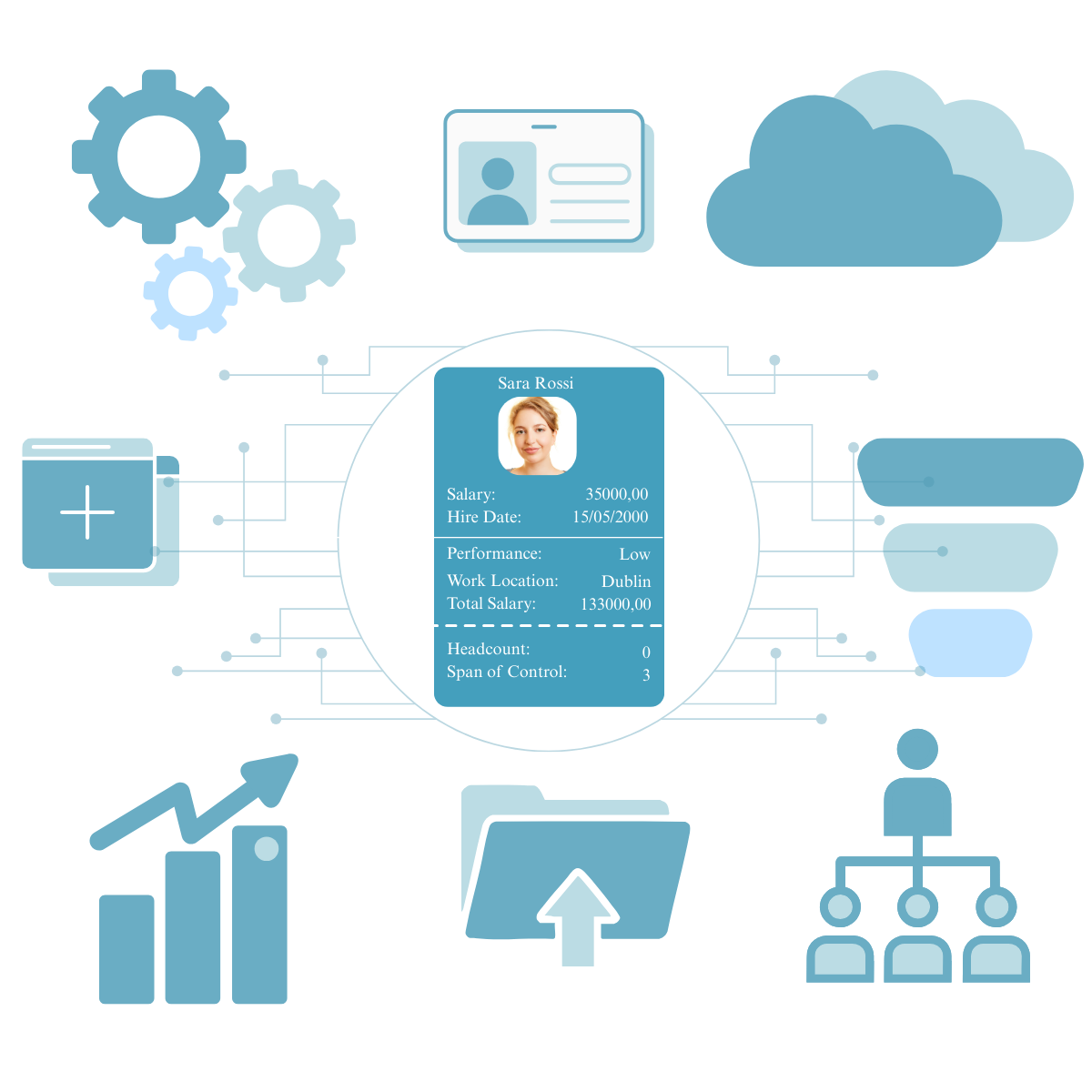
Preconfigured, then tailored to you
Start from a standard setup, then make it fit your organization.
Standard setup, ready from day one
Each integration comes with a standard configuration already available. In the Import Wizard you pick the system your data comes from and see the columns matched to OrgChart Agile fields before you confirm.
Adapt it yourself, or with us
If your HCM has custom fields, a variation in your export or a system that is not in the list, you can adapt the mapping yourself in the Import Wizard, or we adapt it with you.
Standard mappings ready in the Import Wizard. Your system is not listed? Choose Other and map it once.
Automate it
Keep the chart aligned without anyone touching it.
Scheduled file transfer
Nightly scheduled file transfer (SFTP), set up with you.
EcosAgile People
Automatic update from EcosAgile People.
API
API for standard and custom fields.
Fields you can bring
From identity to succession coverage, plus your own custom fields.
Calculated fields are produced by OrgChart Agile from your data.
Sign in once
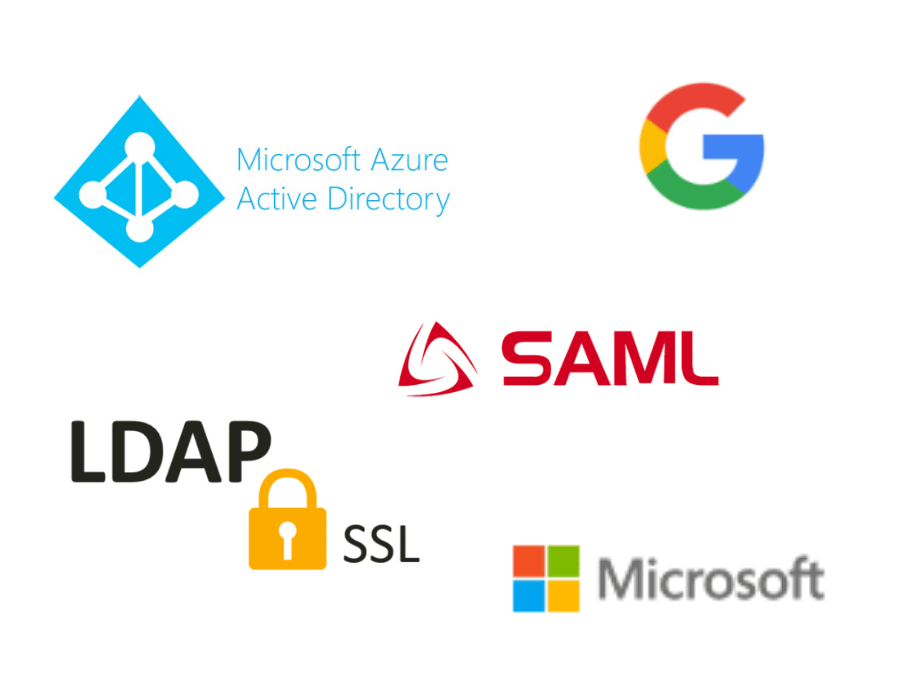
Single sign-on (SSO) through SAML 2.0 and OpenID Connect, with Microsoft Entra ID (formerly Azure AD) / Microsoft 365 and Google Workspace, plus sign-in with directory credentials through LDAP: one company account for everyone, with permissions managed centrally.
How an integration usually goes
- Pick the source: a file export, a scheduled SFTP transfer, EcosAgile People or the API.
- Map the columns in the Import Wizard, starting from the standard configuration for your system.
- Load a first file and check people missing from the hierarchy and duplicate IDs.
- Switch on the scheduled update, and the chart follows your HR data from then on.
What you can do with the data
Once your data is in, the same records feed the chart, the directory and the dashboards: headcount, FTE, span of control, structure depth and cost, with drill-down to the people behind each number.
Questions people ask
Which HR systems can OrgChart Agile import from?
The Import Wizard has preconfigured mappings for widely used HR systems and a generic option for any other source. If your system has custom fields or specific flows, we adapt the mapping.
Can the update run automatically?
Yes. A scheduled SFTP transfer can update the chart every night, EcosAgile People can update it automatically, and the API accepts standard and custom fields.
Does OrgChart Agile support single sign-on?
Yes. Single sign-on (SSO) works through SAML 2.0 and OpenID Connect with Microsoft Entra ID (formerly Azure AD) / Microsoft 365, Google Workspace and other identity providers that support these standards. Users can also sign in with their company directory credentials through LDAP. Availability depends on your plan.
Where is my data stored?
In a Tier IV-class data centre in Italy. See the Security page for certifications and how data is handled.