
Find the right person, and see where they sit
Search, filter and browse the chart the way people actually look for colleagues.
Request a free trialSee all features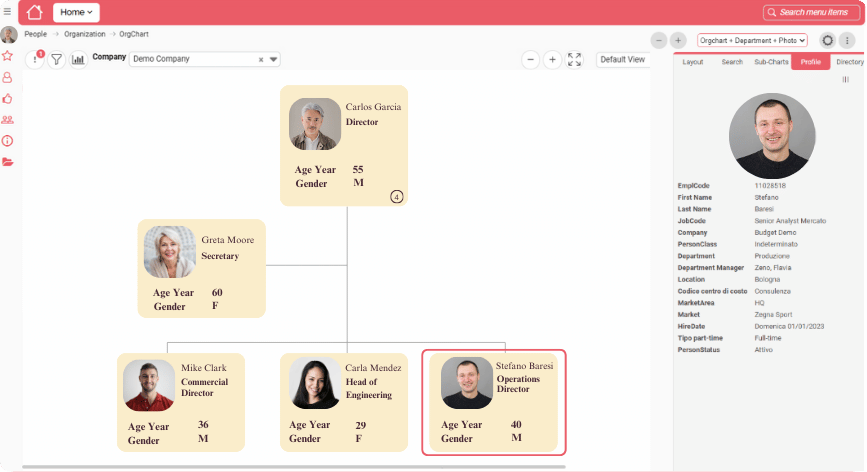
Six ways to get there
Whichever way you start, you end up on the right box.
Search by name
Type a name in the side panel and go straight to the person.
Find by Photo
You remember the face, not the name. Browse the identification photos, narrow the gallery with a filter and jump straight to the box.
Filters
Show only the boxes that meet one or more conditions.
Profile panel
Click a box to see the person’s card with the data loaded for them.
Directory
Read the chart as a list, in a few clicks.
Sub-charts
Pick the sub-charts to display and how many levels to show.
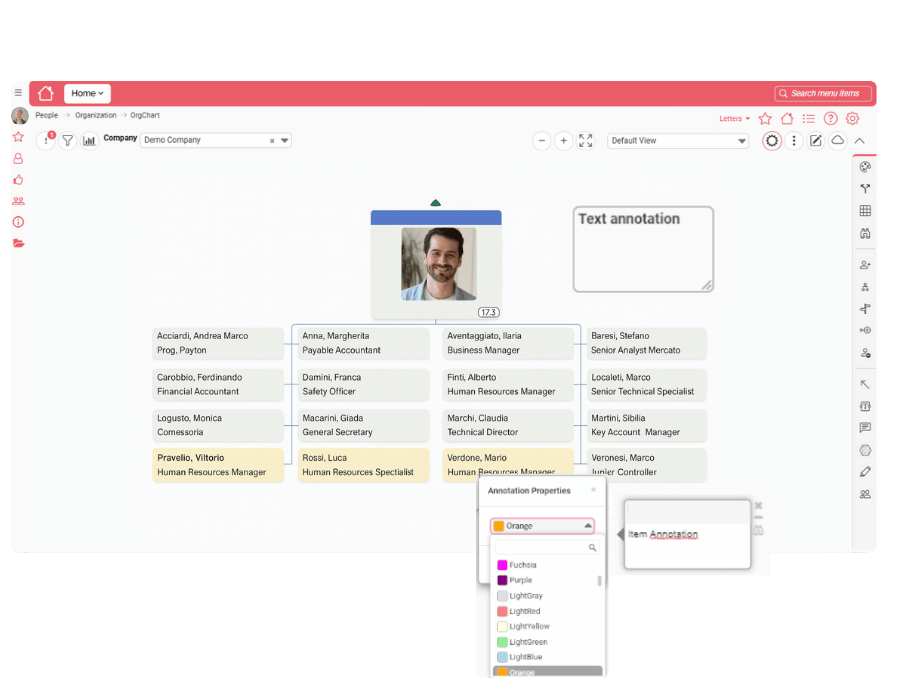
The Directory: your chart as a list
Read the chart as a list. Switch between current data and all data, and between people and organizational units.
Ask in plain wordsPlus plan
EcosAI, the built-in assistant, answers questions about the OrgChart module from the chat icon on the chart page.
Everyday uses
The questions people ask every week.
A new joiner
Looking for the right contact.
A manager
Checking who reports where.
HR
Answering a “who is this?” in seconds.
Choose what each box shows
Views decide which information appears in the boxes: role, location, photo or any field you load. Colour rules highlight automatically the people or positions that match a condition, for example all external staff, so the right boxes stand out without colouring them one by one.
From a name to the whole team
Open a person’s box to see who they report to and who reports to them. Sub-charts show only one area of the organization, with the number of levels you choose, and the Directory gives you the same people as a list you can sort.
Questions people ask
How do I find a colleague in the org chart?
Search by name from the side panel, or use Find by Photo to browse identification photos when you remember the face but not the name.
Can I see the org chart as a list?
Yes. The Directory shows the chart as a table, with current data or all data, and with people or organizational units.
Can I show only part of the organization?
Yes. Filters show only the boxes that meet your conditions, and sub-charts let you choose which areas and how many levels to display.
Is there an assistant that answers questions?
In the Plus plan, EcosAI answers questions about the OrgChart module from the chat icon on the chart page.
Try it on your own org chart
Request a free trial and find your first colleague in seconds.
Request a free trial