
Try the reorganization before you announce it
Work on a dedicated version of your org chart. Move people under new managers, see the new structure, and keep the chart everyone else sees exactly as it is.
Get a DemoSee all features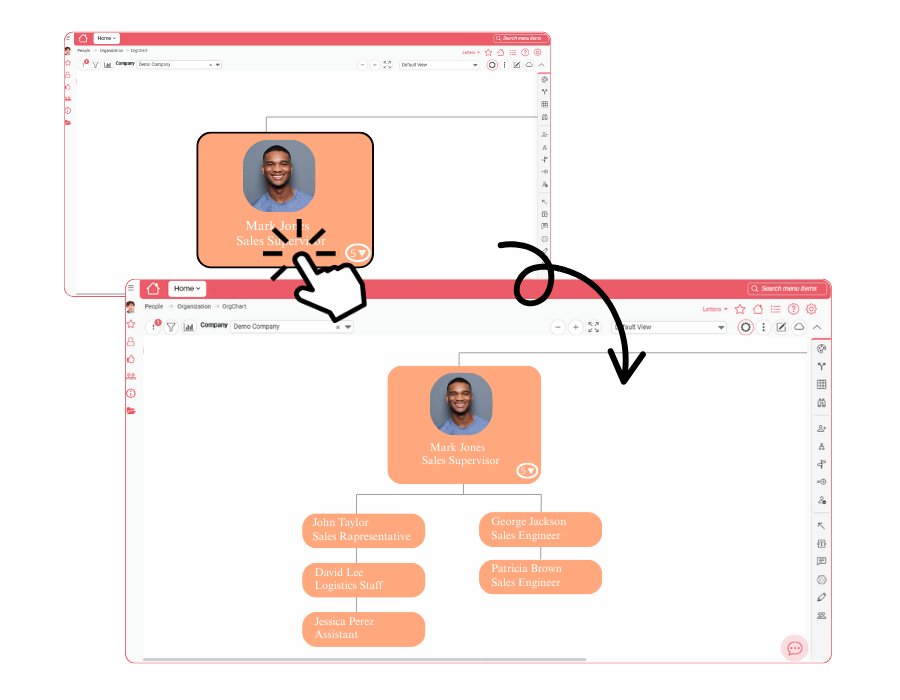
How it works
Four steps from first idea to a draft you can share.
Create a version
From the File menu, create a new version or save the current one under a name. A version keeps the boxes, their placement, the sub-charts and your annotations.
Move people
Change a person’s reporting line in the Profile panel and reload the chart to see the new structure.
Review the result
Use sub-charts and filters to look at one area, or a few levels, at a time.
Share it
Export the result to PDF, PowerPoint, HTML or JPEG, depending on your plan.
Decide who sees each draft
Every saved version has its own minimum access level, so a draft restructuring is visible only to the people who should see it.
Your live chart stays untouched
Everyone else keeps working with the chart as it is, while you test the new structure on its own version.
Built for HR and organization teams
Whenever the structure is about to change, test it first.